Your photo. A performance you choose.
Make a dance video from one photo
Choose a dance you want to perform, upload your photo and let the prepared reference guide the moves. You do not need to film yourself.
Start with the Window Dance below: one photo, the selected 10-second routine and its original sound for $9.99 once. Prefer a group dance? Choose another prepared scene and give each friend their own photo slot.
Try the prepared Window Dance
The dancer inside the lit apartment window is the single replacement role. Your photo supplies the face, hair, build and clothes; the reference guides the steps, camera zoom and sound. The player shows the reference clip, not a personalized result.
The original clip (your faces go in)
10s · 720p · 9:16 vertical · MP4 with the original sound
Choose a different performance
All dance templates ↗Each card opens its own template and photo roles. Check the preview, duration and price before choosing. Reference clips are shown as references; generated examples are labeled separately.
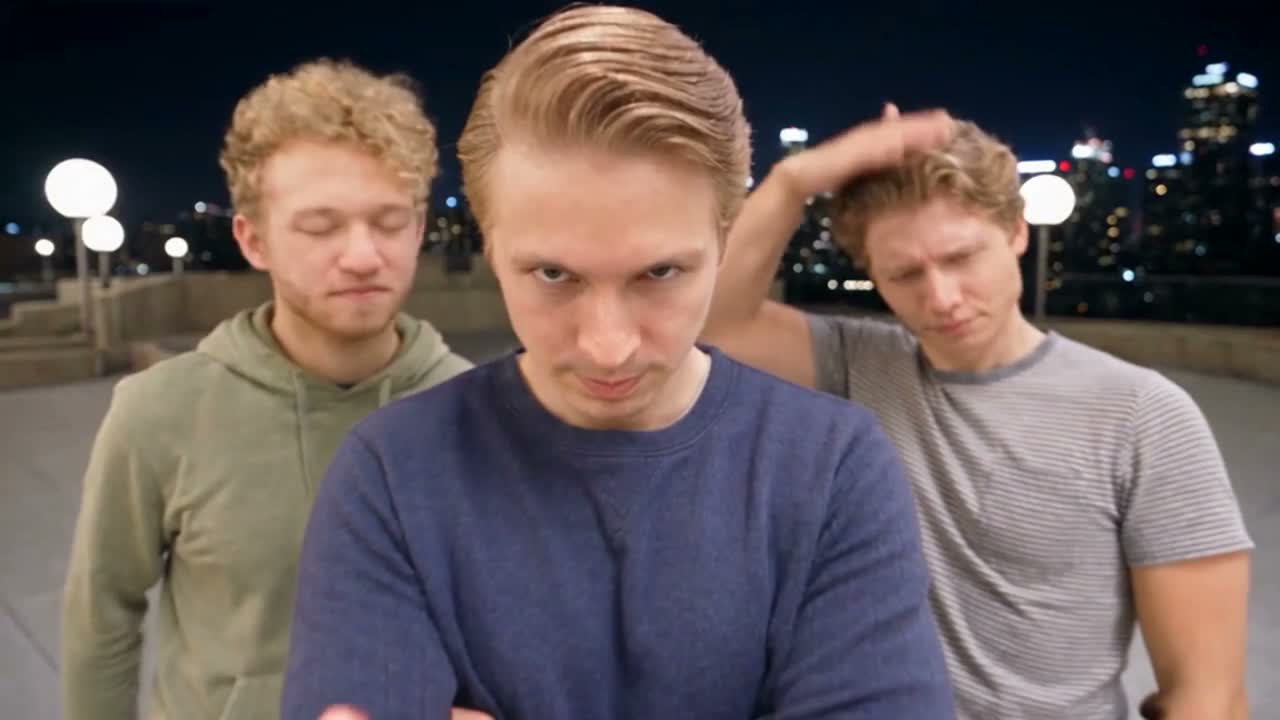 Generated example
Gangnam Style
Star in the selected nighttime Gangnam Style trio clip with your own appearance and the reference sound.
$14.99 once · 19s
1 required · up to 3 photos · Reference sound
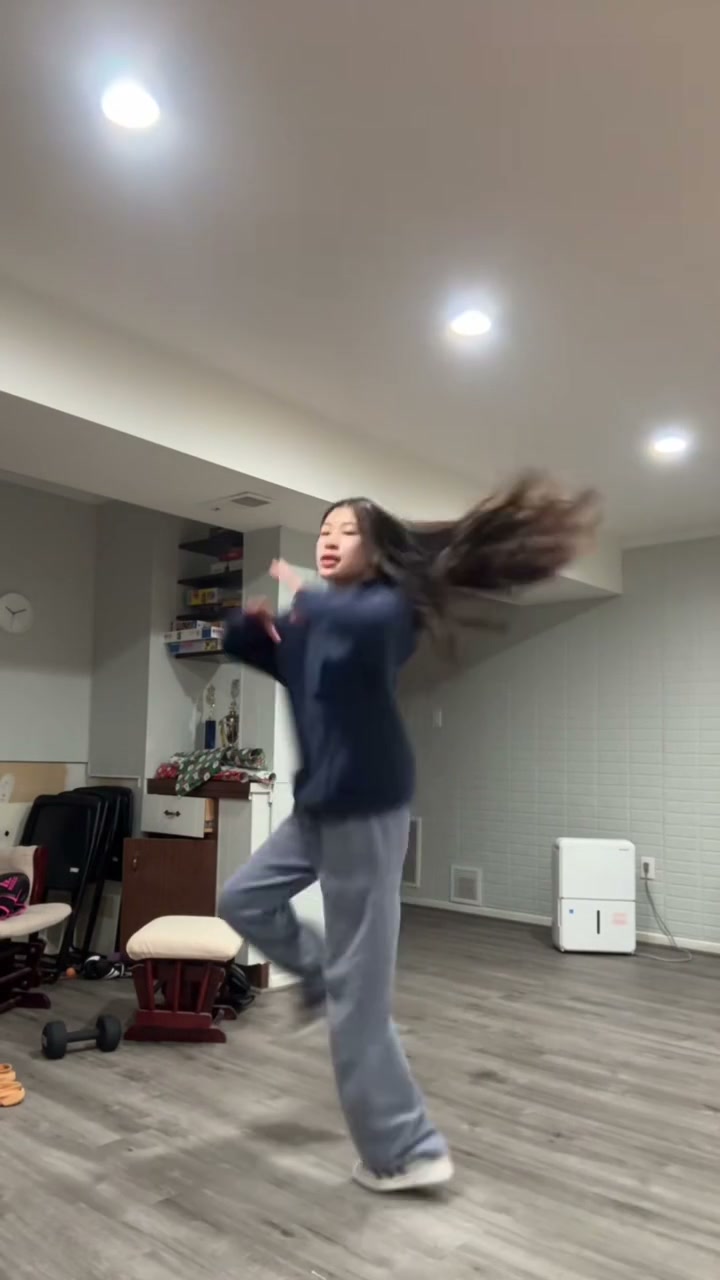 Reference clip
Stateside Dance AI
Do the solo Stateside routine in the selected indoor scene, with the reference dance and sound.
$19.99 once · 20s
1 photo · Reference sound
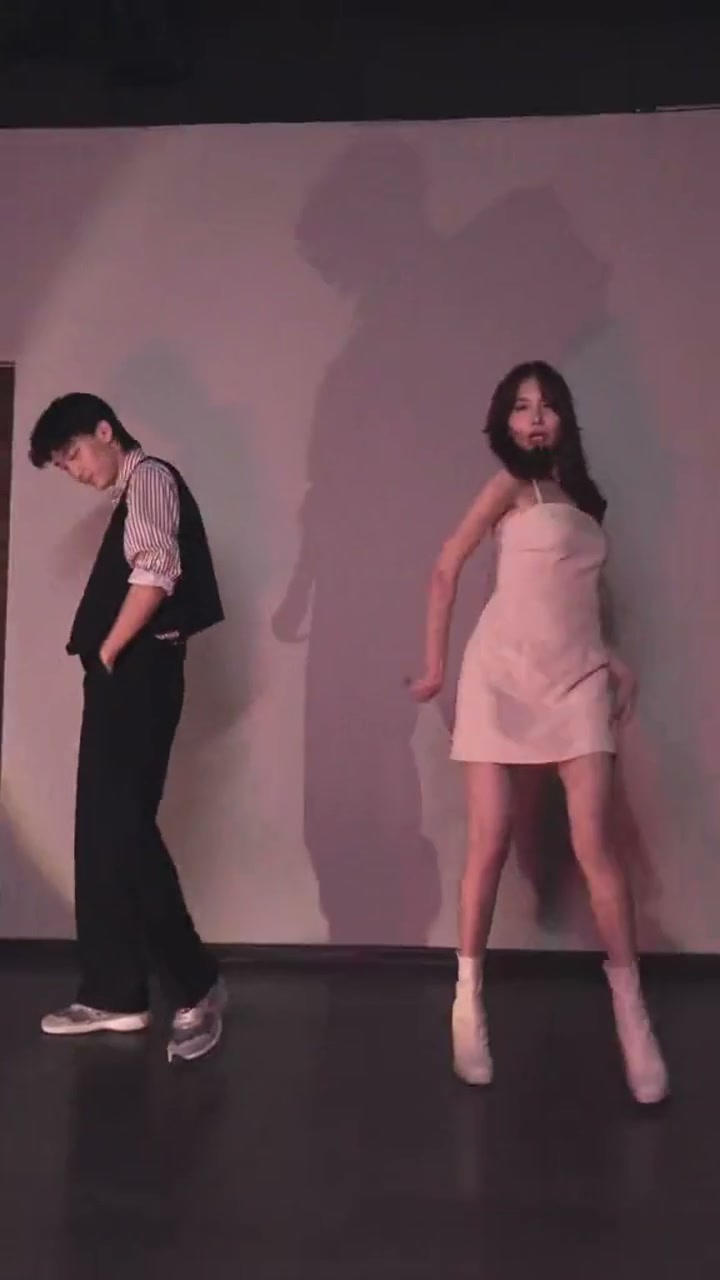 Reference clip
Trouble Maker Dance AI
Recreate the pink-studio Trouble Maker duet, including close-ups, partner blocking and original sound.
$29.99 once · 30s
1 required · up to 2 photos · Reference sound
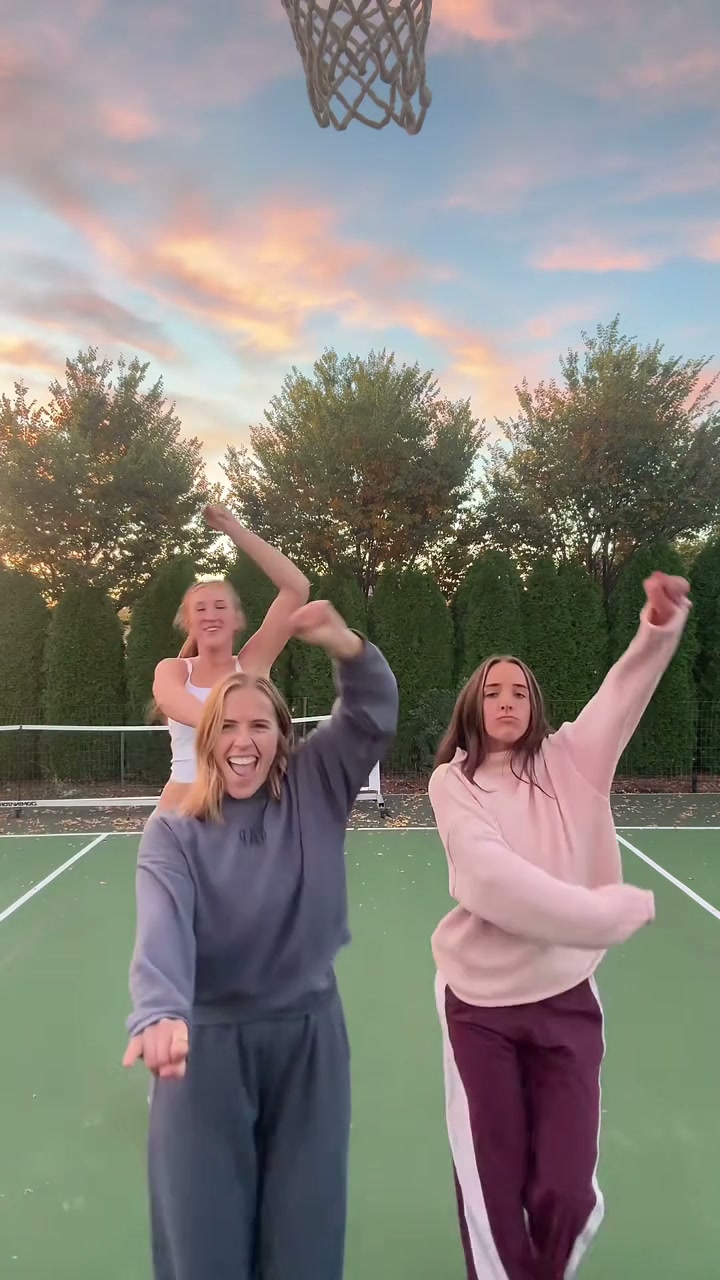 Reference clip
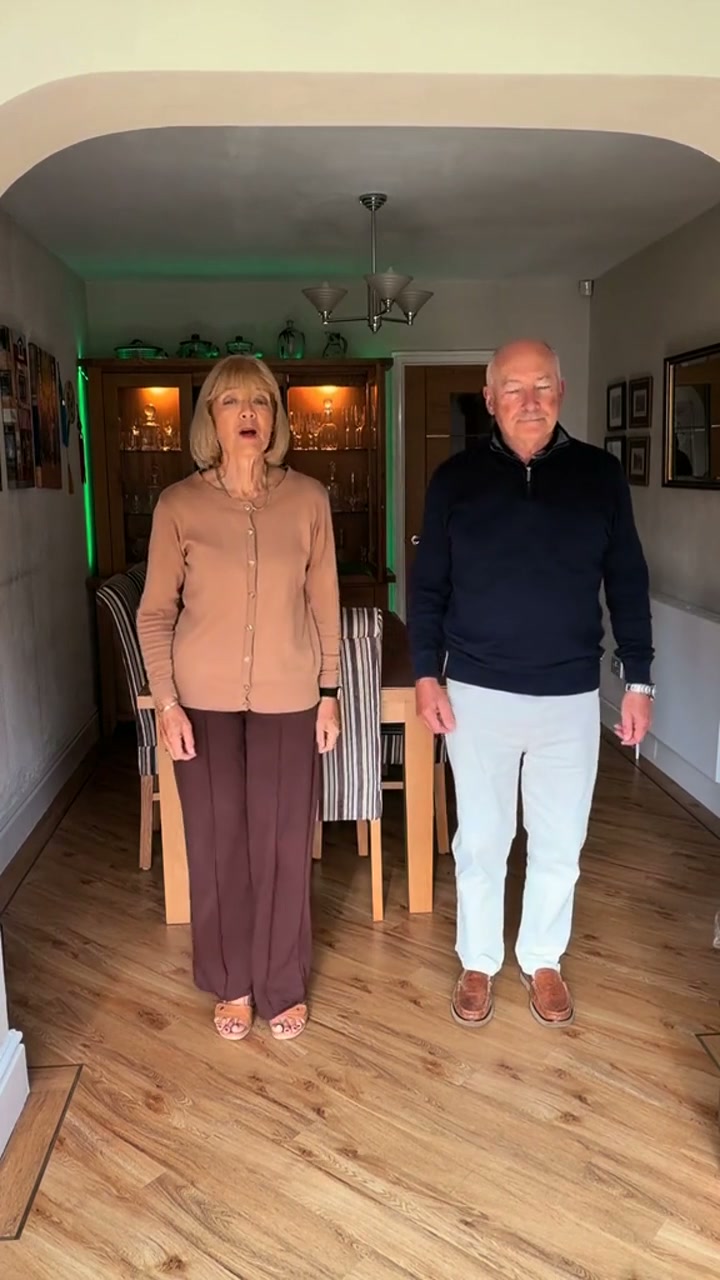
Chipmunks Dance AI
Join the three-person sunset-court dance, with the turns, hair flips and original high-pitched sound.
$24.99 once · 25s
1 required · up to 3 photos · Reference sound
 Reference clip
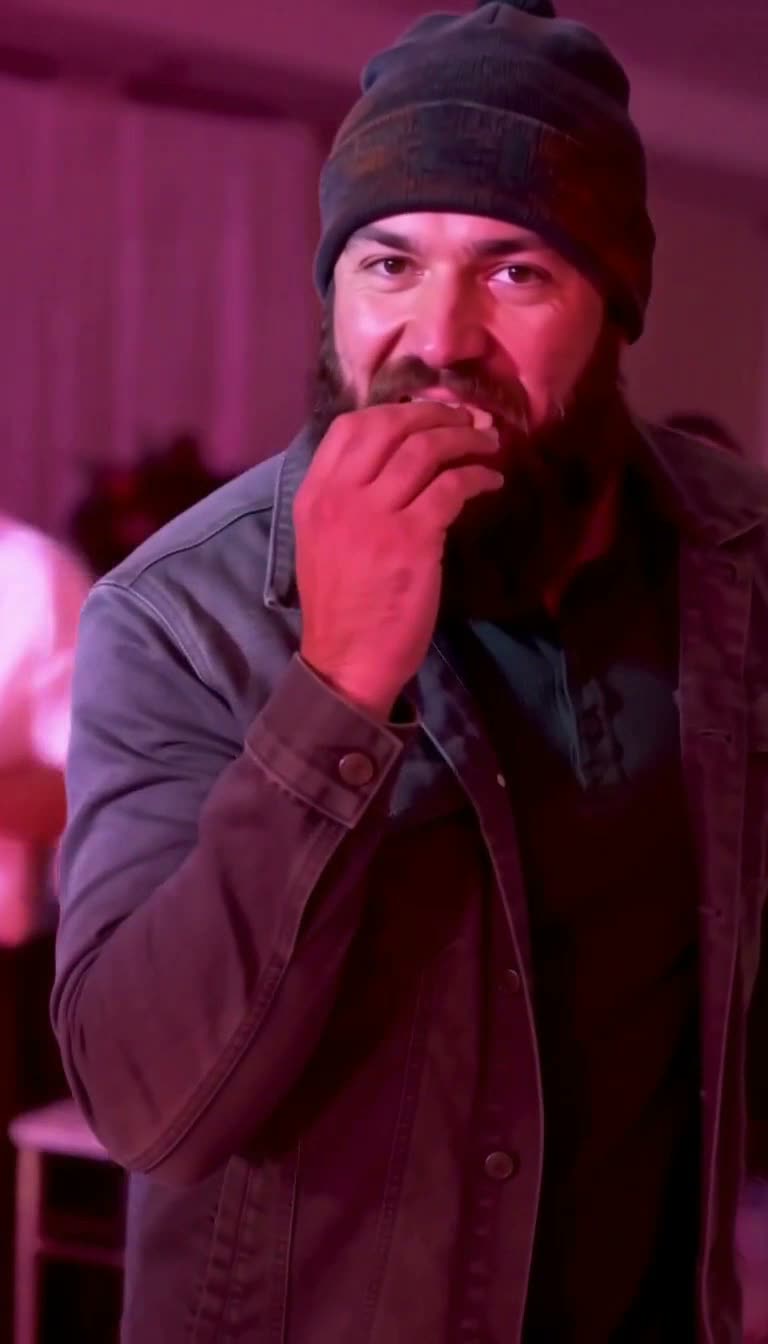
Babydoll Dance AI
Join the selected two-person living-room dance with matching steps, gestures and original sound.
$14.99 once · 15s
1 required · up to 2 photos · Reference sound
 Generated example
Dime Dime Baby
Be the BBY WOW guy dancing at the quinceañera, from one photo.
$9.99 once · 10s
1 photo · Silent MP4
How do I make the prepared video?
- 01
Choose the exact scene
Watch the selected reference or generated example and check the cast, duration, sound and price.
- 02
Add your photos and pay once
Upload one clear photo for each assigned role. Only required slots need a photo; extra roles are optional where shown.
- 03
Review and download
Generation usually takes 5–10 minutes. Review the appearance and performance, then download the MP4.
How do I make myself dance using just one photo?
Pick a prepared dance, upload one clear photo for its required performer, complete the one-time checkout and download your generated MP4 when it is ready.
The routine is supplied by the selected reference, so you do not need to rehearse, record a dance or describe choreography. Additional roles are optional on multi-person templates; an empty optional photo slot keeps that performer from the reference. Generation usually takes 5–10 minutes.
Will the photo copy a specific dance or invent new movements?
A prepared dance template follows its selected reference routine, including the movement sequence and camera timing, rather than inventing choreography from a text prompt.
Watch the preview before choosing. Two videos with the same song can have different performers, moves and endings. This page starts with a fixed Window Dance reference; it is not a free-form dance prompt generator. If the clip you want is not prepared, use the custom-link request described below.
Does my photo need to show my whole body?
Use a clear single-person photo with the face and intended outfit visible; a full-body or waist-up photo gives more appearance detail for full-body dances.
A selfie can guide the face, but it cannot show shoes or clothing outside the frame. Match the intended appearance to the reference’s framing where possible. Avoid a group photo in one slot, heavy face filters or a face hidden by sunglasses. Follow the requirements shown for the chosen template.
Can I dance with a friend using separate photos?
Choose a duet or group template and upload one separate photo per assigned dancer; the selected reference determines the available roles and their movements.
You do not need a picture taken together. For Gangnam Style, the opening center, left and right positions identify the three roles. Other templates use their own role labels and photo counts. Optional slots let you change only part of the cast.
Will the dance video include the song?
Check the sound label on each template: many include the reference soundtrack, while Dime Dime Baby produces a silent MP4 for adding your own sound.
The Window Dance shown here includes its reference audio. A template’s soundtrack is part of the prepared version; this page does not accept a new song upload or create choreography for arbitrary audio. AI likeness, hand contact, clothing details and movement can vary, so review the complete result.
Have a different reference in mind?
Send a public TikTok, Instagram or YouTube link and up to four separate photos. Custom requests cover a clip up to 30 seconds for $19.99 once, with manual preparation and email delivery, usually within a few hours.
Request a custom clip from a link ↗Questions about photo to dance
People ask about photos, performer choices, payment, music and downloads; the answers below explain the available options and requirements for the page you are viewing.
+Is making a dance video from a photo free?
Browsing and reference previews are free. Personalized prepared videos start at $9.99, with the exact price shown for each routine. The Window Dance on this page costs $9.99 once. There is no free personalized generation in this flow.
+Can I use a TikTok link as the dance reference?
For another public TikTok, Instagram or YouTube clip, use the custom-link service. It is $19.99 once for up to 30 seconds and four photo roles, manually prepared and emailed, usually within a few hours. This prepared-template form does not automatically parse links.
+Can I choose any dance style by typing a prompt?
No. Here you choose a prepared routine with a specific reference. A hip-hop, salsa or other dance is available only when a suitable template or custom reference has been prepared; typing a style does not invent a new choreography in this form.
+Do I need an app or editing experience?
No app or editing timeline is needed for a prepared template. Open it in your browser, preview the selected scene, add the required photos and pay once. The downloadable MP4 is normally ready in 5–10 minutes.
+Can I change only my face and keep the dancer’s original outfit?
The current remake uses the uploaded person’s appearance and clothes. It is not a dedicated face-only filter that guarantees the original body and outfit remain unchanged.