Your photo. A performance you choose.
Put yourself in the music video
Choose a prepared singing or rap performance and use your photos for its cast. The selected reference supplies the performance and soundtrack; you supply the people.
Start with the Outstanding Tiny Desk parody below. One photo replaces the lead singer; up to four optional photos add the keyboard player, two backing singers and saxophone player. The 15-second MP4 includes the reference audio for $9.99 once.
Make the Tiny Desk band your own
Photo 1 is the lead singer in the solo close-ups. Photos 2–5 fill the keyboard, back-left, back-right and saxophone roles. The player shows an existing Memelry-generated example, not your personalized result.
Earlier generated example
15s · 720p · 9:16 vertical · MP4 with the original sound
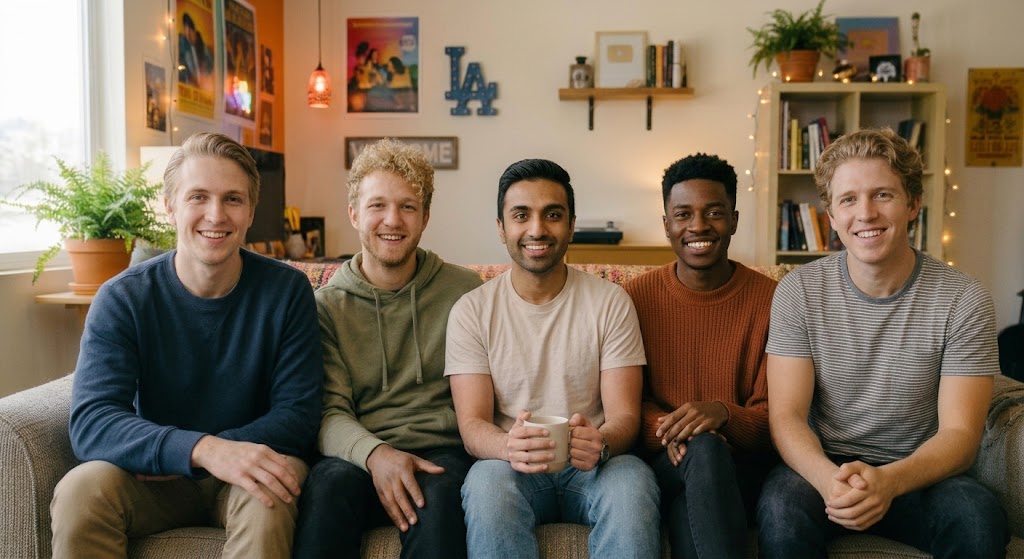
Photo used for this example
Choose a different performance
All music & performance templates ↗Each card opens its own template and photo roles. Check the preview, duration and price before choosing. Reference clips are shown as references; generated examples are labeled separately.
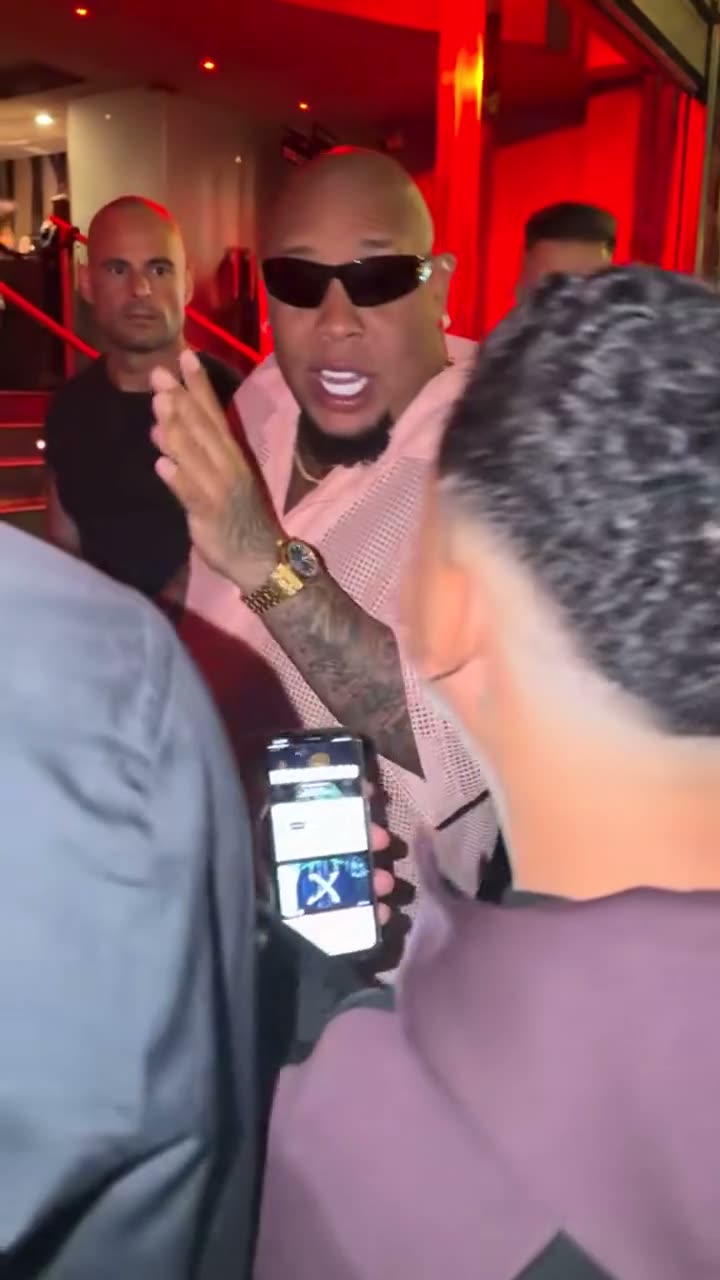 Reference clip
Bulin 47 Dame Hombro
Be Bulin 47 rapping "Dame Hombro" in the pink shirt and shades at the red-lit door, with the original sound.
$9.99 once · 10s
1 photo · Reference sound
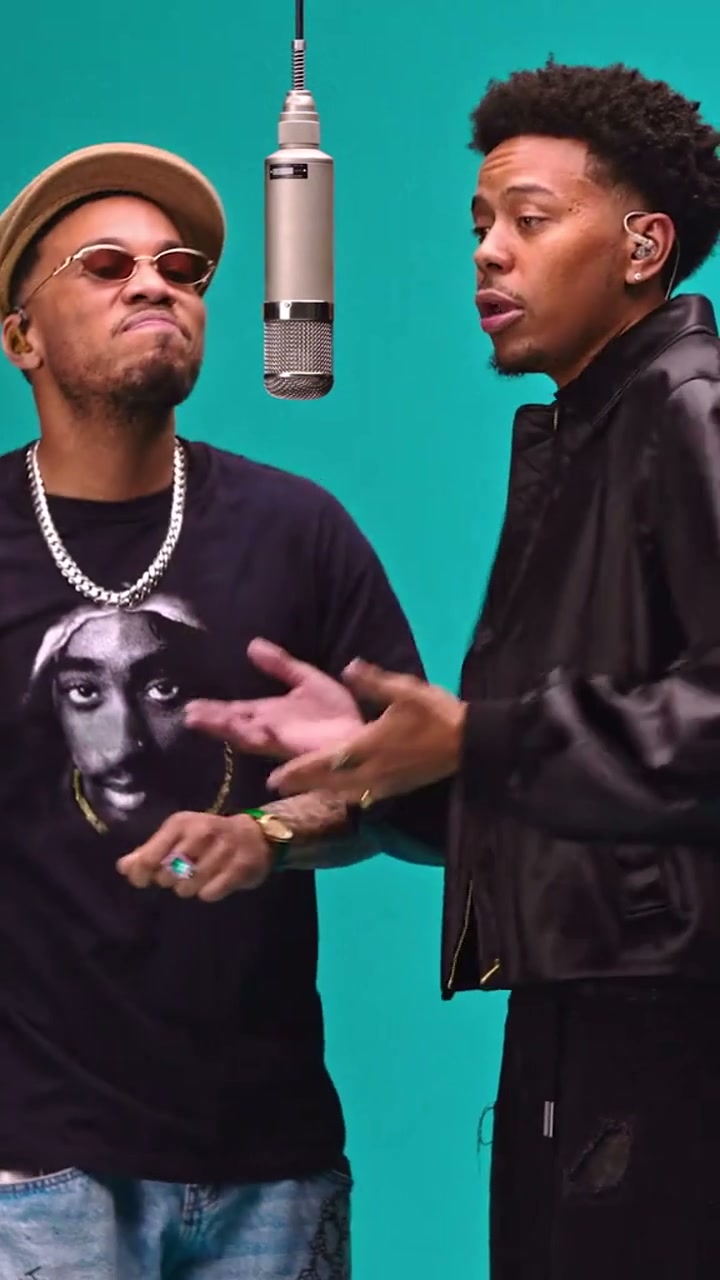 Reference clip
58th Floor COLORS AI
Put yourself and a friend into the teal COLORS studio performance with the original 58th Floor sound.
$14.99 once · 15s
1 required · up to 2 photos · Reference sound
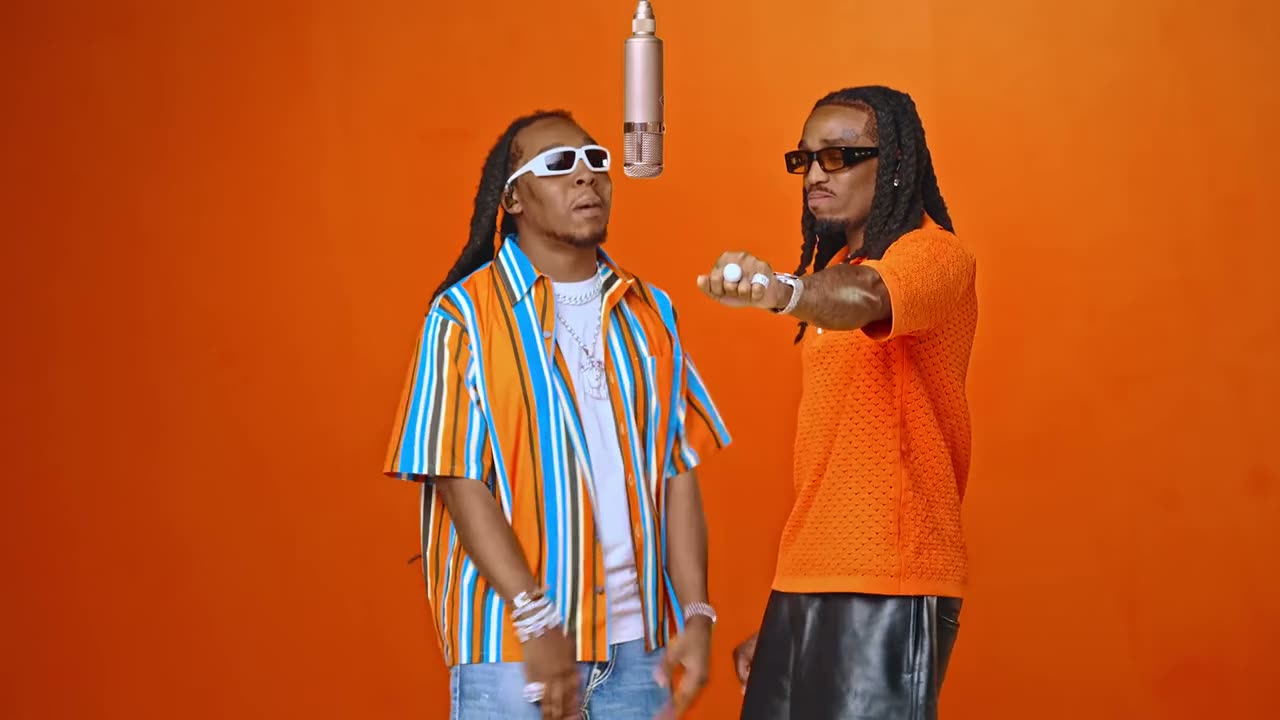 Reference clip
Hotel Lobby
You and a friend as the duo in the orange Hotel Lobby booth, with the original sound.
$14.99 once · 15s
1 required · up to 2 photos · Reference sound
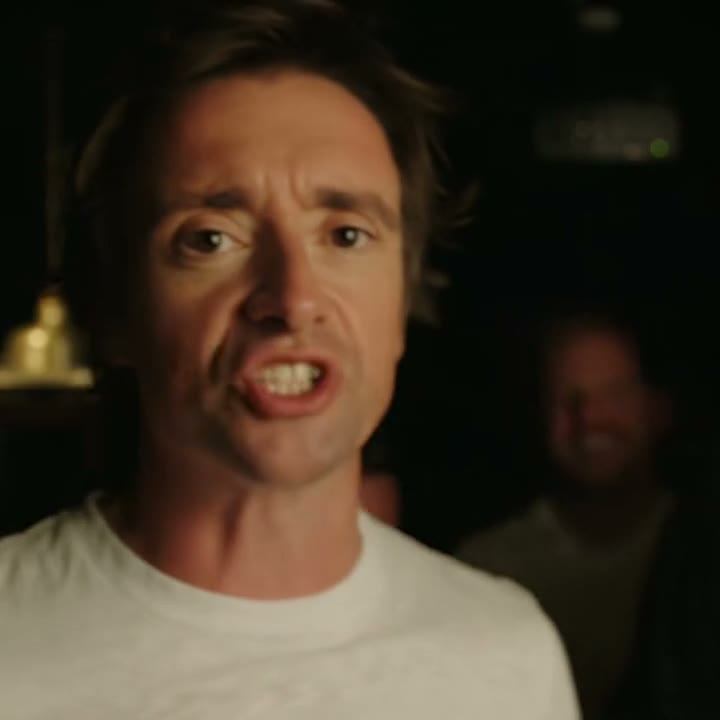 Reference clip
Check One Check Two
Make your Check One Check Two AI video from one to three photos, with the original freestyle audio.
$9.99 once · 10s
1 required · up to 3 photos · Reference sound
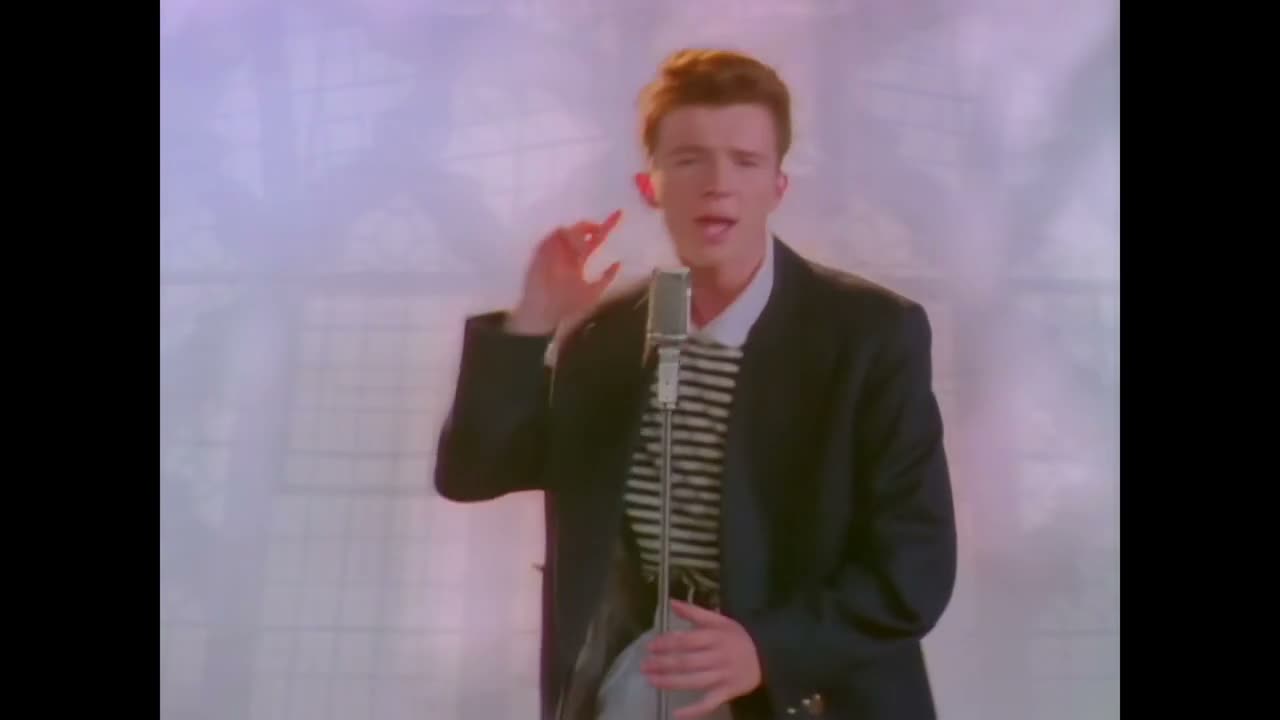 Reference clip
Rick Roll
Rickroll your friends: you sing "Never Gonna Give You Up" with the moves.
$14.99 once · 15s
1 photo · Reference sound
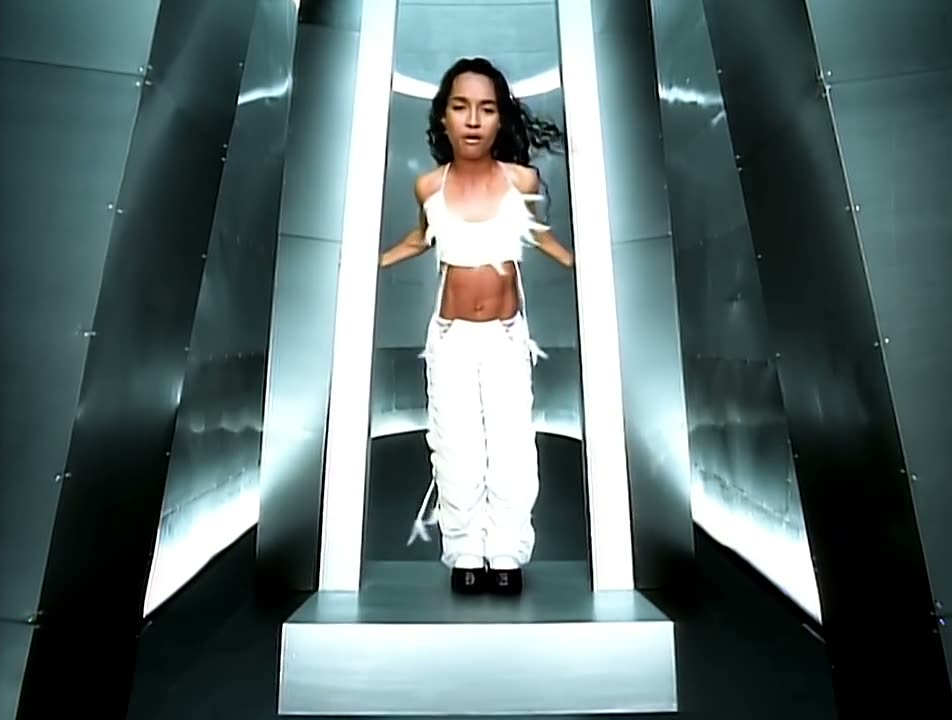 Reference clip
No Scrubs
You and two friends as the trio in the silver No Scrubs video, with the original song.
$14.99 once · 15s
1 required · up to 3 photos · Reference sound
How do I make the prepared video?
- 01
Choose the exact scene
Watch the selected reference or generated example and check the cast, duration, sound and price.
- 02
Add your photos and pay once
Upload one clear photo for each assigned role. Only required slots need a photo; extra roles are optional where shown.
- 03
Review and download
Generation usually takes 5–10 minutes. Review the appearance and performance, then download the MP4.
How do I put myself in an existing music video?
Choose a prepared performance, upload a clear photo for each assigned role and complete checkout; the selected reference guides the singing movements, framing and sound.
You do not need to sing, record yourself or edit a timeline. The video uses your face, hair, build and clothes for the chosen performer. Preview the actual cut first: a rap entrance, a studio duet and a band performance are different scenes, even when they use the same type of photo input.
Is this the same as making my selfie sing any song?
No. This workflow recasts a selected performance with its existing soundtrack; it does not animate a portrait to arbitrary uploaded audio or generate your singing voice.
A singing-photo tool commonly begins with a portrait and a new audio file. Here, the prepared video already supplies the performance, scene, mouth movements and soundtrack. Your photos guide appearance. A different song, scripted speech or voice cloning is outside this prepared flow.
Can my friends join the same band or rap video?
Use separate photos for the available performers, following each template’s role labels so each person stays assigned across its solo shots and group scenes.
Tiny Desk offers up to five roles for the same single-video price. 58th Floor and Hotel Lobby have two roles, while other performances have different casts. Only required slots need photos. Leave an optional slot empty to keep that reference performer.
Do my clothes change as well as my face?
The uploaded photo supplies the assigned performer’s face, hair, skin tone, body build and clothes, while the reference supplies its instruments, props, movement and timing.
Show the intended outfit in the photo. Microphones, keyboards and other performance props remain part of the scene instructions. This is a generated remake, so likeness, clothing details, hand contact and backgrounds can vary. Review the full video before sharing.
How do I choose between a prepared clip and my own music-video link?
Choose a prepared clip when its preview is the performance you want; send a custom public link when you need a different selected scene or cut.
Prepared performances have their own prices and usually take 5–10 minutes. The custom service accepts public TikTok, Instagram and YouTube links for a clip up to 30 seconds and up to four photo roles. It costs $19.99 once, is prepared manually and is emailed, usually within a few hours.
Have a different reference in mind?
Send a public TikTok, Instagram or YouTube link and up to four separate photos. Custom requests cover a clip up to 30 seconds for $19.99 once, with manual preparation and email delivery, usually within a few hours.
Request a custom clip from a link ↗Questions about be in a music video
People ask about photos, performer choices, payment, music and downloads; the answers below explain the available options and requirements for the page you are viewing.
+Will I hear my own singing voice?
No. Your photo changes the assigned performer’s appearance, while the prepared reference supplies its singing or rap audio. This is not voice cloning or a new vocal recording.
+Can I upload an MP3 and make my photo sing it?
Not in this workflow. Choose a prepared performance and its soundtrack, or submit a supported public reference link for custom review. An arbitrary-audio singing-photo feature is not currently offered here.
+How many photos do I need?
The Tiny Desk form requires one lead photo and accepts four optional role photos. Other prepared performances list their own photo slots. The separate custom-link service accepts up to four photos.
+Can I put myself into an entire music video?
No. Each prepared template uses the specific short cut shown in its preview. Custom requests cover a selected clip up to 30 seconds, not an entire multi-minute music video.
+What do I receive after paying?
You receive the chosen template’s MP4 with its configured dimensions and reference audio. Tiny Desk is a 15-second vertical 720p target for $9.99 once, usually ready in 5–10 minutes. Check each other performance’s own price, duration and format.