Make your version
Choose the photos for your selected template, complete checkout, then download the finished MP4 after generation; the steps below explain what to prepare.
- Watch the reference. Play the clip and choose the roles you want to replace.
- Assign your photos. Choose a separate, well-lit face photo for each portrait you want to replace. The portraits appear in sequence.
- Generate and download. Pay once or use existing credits. Download the completed MP4 from your history.
Inside the Eight Legends clip
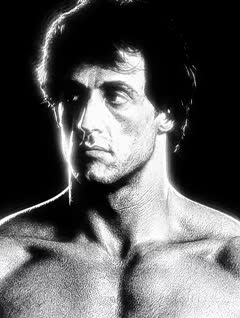
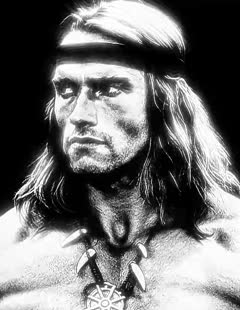
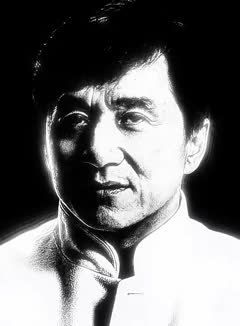
The first monochrome portrait appears, turns and fades. The next portrait appears and turns with the narration.
Choose a separate, well-lit face photo for each portrait you want to replace. The portraits appear in sequence.
Where can you check the original videos and sources?
The sources linked below document the selected reference clips and their context; template examples show reference footage unless explicitly labeled as generated results.
Last checked .