How does it work, step by step?
Choose the photos for your selected template, complete checkout, then download the finished MP4 after generation; the steps below explain what to prepare.
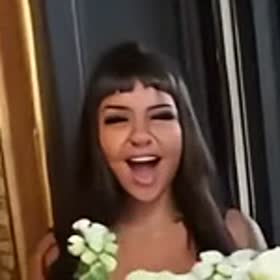
- Preview the doorway scene. Watch the bouquet move from the floor to the doorway.
- Cast the two roles. Choose a clear portrait for the person receiving flowers. Add a separate portrait if you want to replace the visitor too.
- Generate and download. Pay once or use available credits, then download the MP4 from your history.
What happens at the door?
A visitor lifts a bouquet wrapped in pink paper and presents it to the person in the doorway. A friend is already filming from the sofa when another person appears behind the door. The camera catches the recipient turning away just as the giver expects a reaction.
The template follows the opening doorway sequence of the linked edit. The black-and-white montage comes later in that post.
Where can you check the original videos and sources?
The sources linked below document the selected reference clips and their context; template examples show reference footage unless explicitly labeled as generated results.
Last checked .